Posts

Minigame Monday: Pathing
Image
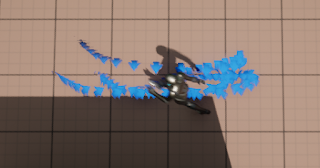
  Pathing: The concept:  Sorry about not putting out a minigame last week! I was suffering from a nasty cold, which luckily has mostly gone now. For this minigame, I wanted to use C++ scripting in Unreal. I started with a top down game, and was instantly interested by the pathing that the player followed when you gave it a location (in other news, I've been looking into the A* pathing algorithm, but in this game I didn't play with the algorithm, I just used it). After tweaking how the player was controlled a bit, I decided to make a maze game, where the character will automatically path, but will path into barriers that will reset their position if the player doesn't take care of them. The challenge: The big issue I faced here was finding the right Unreal API to do the things I wanted to do. At first, this project lulled me into a false sense of security; holding down the button made the player move directly to the cursor; I didn't want that, so I adapted the code so ho...
Minigame Monday: Node Problem

Image
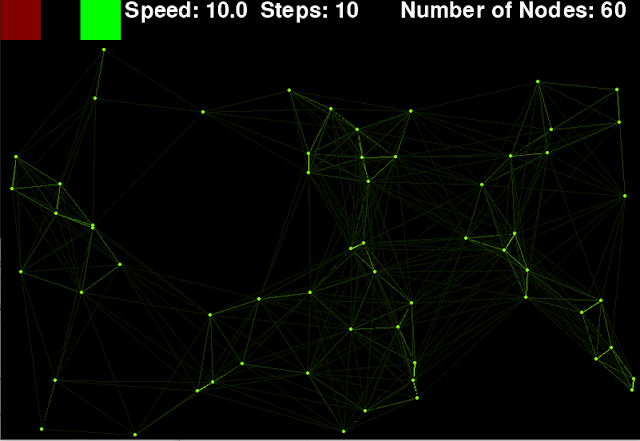
  Node Problem The concept: Back to Python for this one; I saw something I thought was pretty cool looking in the header for a website, so I decided to remake it and expand on it. The concept is a series of dots, moving randomly, that form lines between them as they approach each other, with the strength of the line increasing as they get closer. This creates a very cool looking effect, with shapes forming and vanishing as the nodes move past one another. This minigame therefore is less of a game, and more of a digital toy. The challenge: I decided that the best way to do this was to have a seperate class for the nodes, so each instance of a node would store the nodes position, speed and direction. It would also have a function to move the node, using a bit of trigonometry to calculate the correct position to move to: self . pos = ( math . sin ( self . rot ) * self . speed + self . pos [ 0 ],                  math . cos ( self . r...

Minigame Monday: Selection Boxes

Image
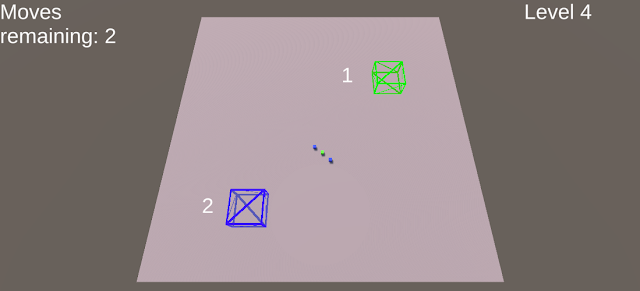
  Selection Boxes: The concept: Happy new year! For my first minigame of 2023, I wanted to do another game in Unity, and practice with some of the areas I wanted to learn more about. The main thing I wanted to do was play around with converting between screen and game co-ordinates, so this turned out to be another project where I started working on the game before I actually knew what the gameplay would be! After getting the rough behaviour in, I quickly realised I wanted to make a level based puzzle game using it. The challenge: My rough idea was that I wanted the player to be able to draw a box on screen, select objects, and move them around the screen. Breaking this down into steps, the first thing I needed to do was draw the box. To do this, I recorded the point at which the player first clicked, and then converted this point and where the mouse currently was into a box. I then converted these co-ordinates into world space, making sure to provide a z co-ordinate away from the c...

Minigame Monday: Keeping On

Image
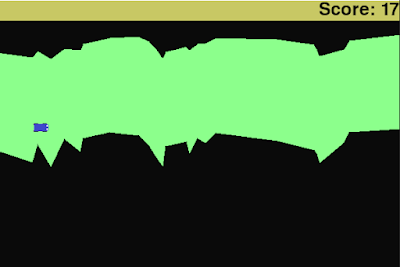
  Keeping On: The concept: This was a minigame that evolved quite a lot as I made it. I started with the idea of some sort of autoscrolling survival game, where the terrain for the player moved from right to left and the player's goal was simply to live as long as possible. The details of how this were going to work I wasn't sure about however, and so I started with my main goal, getting randomly generated terrain to scroll towards the player and doing so in a configurable way. The challenge:  Drawing the road was an interesting challenge; I've previously done similar random generation based on applying a random change to the current height, but doing that here efficiently is something that would take a bit more thinking. Doing this on a pixel by pixel level would obviously involve a lot of storage (one variable for every pixel in the width of the screen), so I wanted to do this more efficiently. I also had the scrolling aspect to consider. To solve this, I had a list of lo...

Minigame Monday: Seek and Shoot

Image
  Seek and Shoot: The concept: Last week I made a minigame in Unity, so this time I wanted to make a minigame in Unreal. Although I haven't completed a major project in Unreal yet, I've been learning about developing with Unreal and in particular blueprints as a way of defining gameplay behaviour. For the gameplay itself, I decided to build on the first person example in Unreal, and make a game where you had to search around a play field to find and shoot a red target. The challenge: Starting with the first person template helped a bit with setting up the game, but there was still plenty to do to adapt it to the game I wanted. For example, I didn't want the player to have to pick up the gun, so instead I edited the rifle's blueprint to bind to the player on game start. To create the target, I created a prefab, and then wrote a blueprint that would handle when it was hit. To keep track of the score and the time, I created another blueprint class that would store variable...

Hair of the Wolf (GameOff 2022)

Image
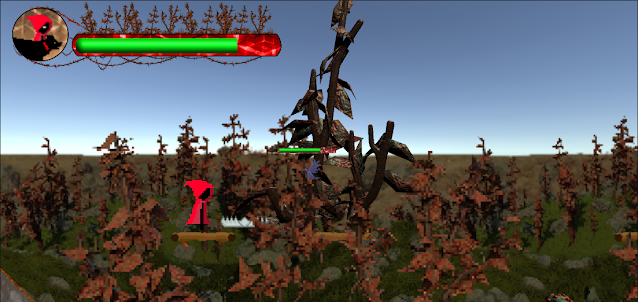
  Hair of the Wolf First level gameplay Hair of the Wolf is a randomly generated 2D platformer made in Unity. As part of the team, my role was enemy and boss design and implementation, random generation and paralax and camera control as well as many smaller programming tasks such as character interaction and damage hit/hurtboxes. The assets and code for the project can be found at https://github.com/RedDragonMakesGames/Gamejam2022 . Gameplay clips:

Minigame Monday: A Header the Game

Image
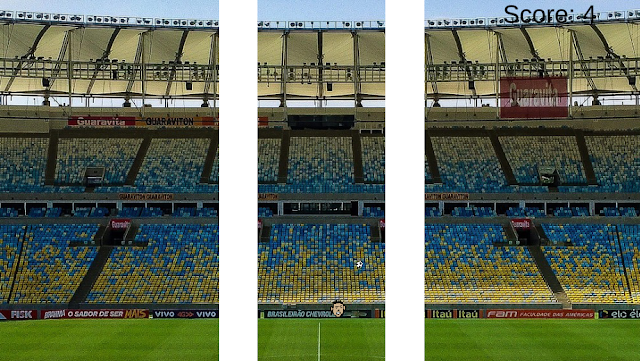
  A Header the Game: The concept: I wanted to make a minigame in Unity this time; although python is great for getting things moving on a screen, I wanted to practice Unity's game object based style for a minigame rather than a larger project. Seeing as football is topical at the moment, I was considering doing something football related, and after coming up with the title I had to make it. For the gameplay itself, I decided to use some of Unity's 2D physics for keeping a football up, which gave me a chance to use physics materials, which is something I hadn't really looked at previously.  The challenge: Making a minigame in unity is (obviously) pretty different to making the same game in python. Rather than considering the core parts of programatic gameplay, such as rendering and input, Unity will handle most of that behind the scenes. Organisation is also completely different, as you're writing code based on objects it will be attached to, rather than at what point in...