Posts

Showing posts with the label C#

Minigame Monday: Covert Behaviour
Image
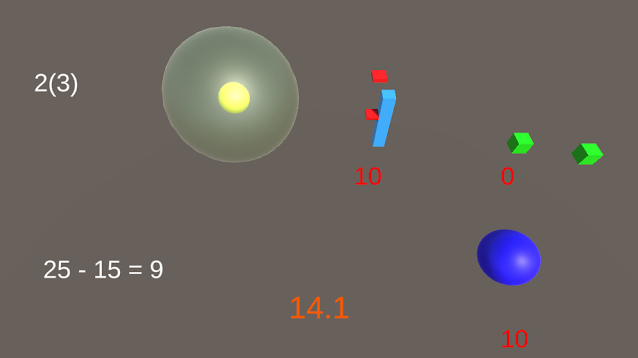
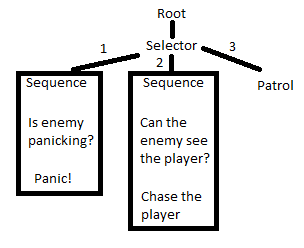
  Covert behaviour: The concept: I've been doing some studies into behaviour trees in Unity for one of my personal projects, so I figured I'd experiment with the framework I'd created (using this tutorial as a guide (I did notice that the GetData and ClearData functions seem to doing unneeded work - they call the parent function, which then calls its parent function and so on recursivly, however they also loop upwards individually in the original function, so it seems like the functions might be being called multiple times on nodes close to the root. I rewrote the functions for now, and I'll look into it more as I use data in the BT. (P.S sorry for the nested brackets, but I guess I am an programmer :P))). I decided to make a stealth game, where enemy behaviour was controlled by a behaviour tree. Enemies would patrol, and charge at the player if the player crossed their line of sight. On top of that, I added a panic mechanic; if the player reached certain spots, all th...
Armageddump (Boss Rush Jam 2023)

Image
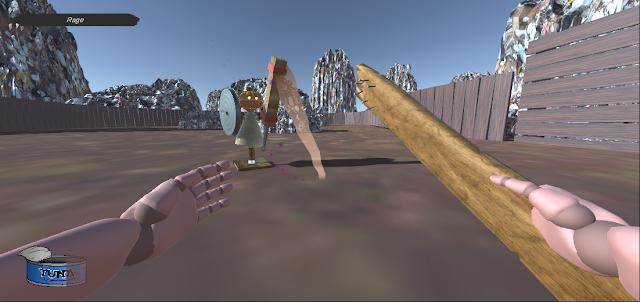
  Armageddump   First boss gameplay Armageddump is a 3D first person boss rush, developed in Unity. As part of the team working on it, I took the original concept and designed the bosses, gameplay and story and fully programmed the second two bosses. The programming included boss AI and management, developing the arenas and props and adding models, animations and sounds. The assets and code for this game can be found at https://github.com/RedDragonMakesGames/Boss-Rush-Jam . Game walkthrough: Blog posts about Armageddump: Game Design

Minigame Monday: 3D Tetris

Image
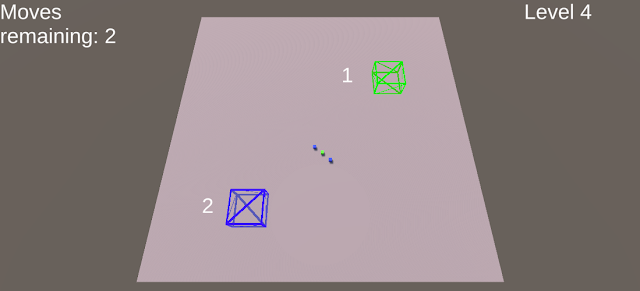
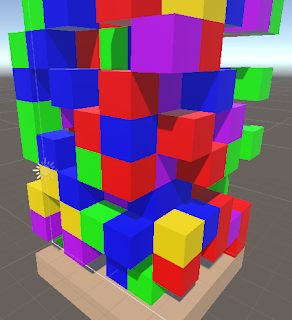
  3D Tetris: The concept: I wanted to do another full sized minigame now that the game jam has finished (expect a post on that later in the week). This was actually an idea from my father, and it gave a number of interesting programming challenges so I decided on it as soon as I heard it. The idea itself is explained pretty well by the title; tetris, but in three dimensions. The challenge: The first issue for this game was how to represent the grid. I could have had each square control itself, and consider squares around it to decide when layers should be cleared, but I decided to have an overaching controller to handle it. I instantiated a cube in each possible spot on the gameplay area, and then used the controller to enable/disable the cubes and set their colour. Although doing this did involve a number of loops, as the game won't have large dimentions these loops won't be so large. As well as that, instantiating the cubes at the begining and enabling/disabling them is more ...

Minigame Monday: Delegating

Image
  Delegating: The concept: There's a system in C# called delegates, allowing you to define a variable that can be called as a function, which can call a range of methods that are assigned to it. I hadn't used delegates in any Unity projects before, so I figured I'd make a minigame to demonstrate the system. As it happened, I took it far too literally. I figured I'd set the player a series of tasks, which they could either attempt themselves, or delegate to an AI, which would handle the tasks using (you guessed it) a delegate.  This meant that my minigame for this week wasn't exactly one minigame, but instead six simple minigames. This meant a bit more coding and set up than I expected; in the end I wrote eleven separate scripts for this project over two scenes, and suprisingly little of it involved delegates! The challenge: Despite my intentions, the biggest challenge here wasn't using delegates, but instead creating six separate minigames to use them on. I dec...

Minigame Monday: Selection Boxes

Image
  Selection Boxes: The concept: Happy new year! For my first minigame of 2023, I wanted to do another game in Unity, and practice with some of the areas I wanted to learn more about. The main thing I wanted to do was play around with converting between screen and game co-ordinates, so this turned out to be another project where I started working on the game before I actually knew what the gameplay would be! After getting the rough behaviour in, I quickly realised I wanted to make a level based puzzle game using it. The challenge: My rough idea was that I wanted the player to be able to draw a box on screen, select objects, and move them around the screen. Breaking this down into steps, the first thing I needed to do was draw the box. To do this, I recorded the point at which the player first clicked, and then converted this point and where the mouse currently was into a box. I then converted these co-ordinates into world space, making sure to provide a z co-ordinate away from the c...

Hair of the Wolf (GameOff 2022)

Image
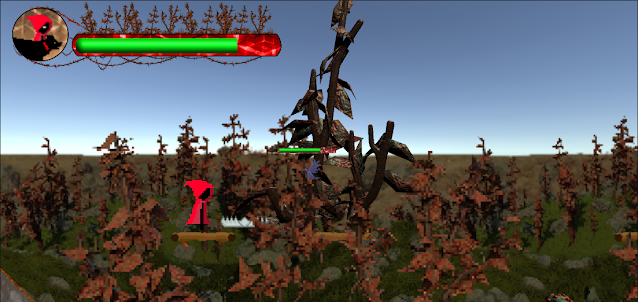
  Hair of the Wolf First level gameplay Hair of the Wolf is a randomly generated 2D platformer made in Unity. As part of the team, my role was enemy and boss design and implementation, random generation and paralax and camera control as well as many smaller programming tasks such as character interaction and damage hit/hurtboxes. The assets and code for the project can be found at https://github.com/RedDragonMakesGames/Gamejam2022 . Gameplay clips:

Build a body

Image
Build a body Build a body was the first full game that I made, during lockdown. I wanted to make a full game in Unity, making all the assets myself, and using C# to tie them together. Seeing as I had no knowledge of 3D moddeling techniques, I knew that the bulk of the actors would need to be made out of primitives. I soon arrived at an idea where the player would start as a simple ball, rolling around, and then could find other primitives (cylinders and a block) with which you would construct a body. The order in which you find the other objects affects what you turn into, and each combination of objects has a unique way of moving. The player hopping between hills The player as a ball by the river The two images above show some of the objects that move by using Unity physics. The ball rolls around with an impulse added by the player's controls, and the hopping ball is similar but instead only moves when in the air after the player has jumped. One thing that was really useful for me...

Imperfect Control: Gameplay

Image
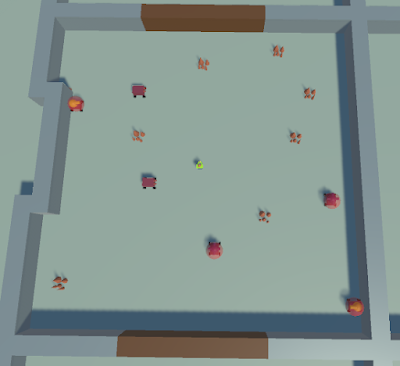
 As promised, in this post I'll be talking about the gameplay in Imperfect Control. As the name suggests, I wanted to do something different with this game rather than creating a typical roguelike where the player moves around the rooms. Instead, I had the idea of having the player move the enemies. Each room then becomes trying to perform the correct movements to destoy the enemies (by moving them into hazards), while at the same time making sure the player wasn't hit by any of the enemies.  Spawning: I wanted each room to have a separate parameter (which I called hazard level), detailing how difficult each room would be. Each room could then be generated with a seperate value as part of the map (Part of the reason for this was that one of the powerups I was hoping to add would reveal the hazard level of nearby rooms, unfortunatly I didn't manage to implement this). To control the spawning of each room therefore, I assigned this hazard level, and therefore the spawning, to...

Roguelike Monthly Jam #1: Imperfect Control

Image
This was the first game jam I've taken part in, but I'm pleased to say that I'm cautiously happy with the results. There were a lot of things I'd like to have added, but as is to be expected I ran out of time for them. On the other hand, I was pleased that I managed to create the core elements of gameplay and random generation, with at least some scene setting involved, even if it was through my kinda crappy paint drawings. Talking of paint, here's the (not great) splash screen I hurriedly made: You can play Imperfect Control at https://reddragonmakesgames.itch.io/imperfect-control . I might talk about Imperfect Control in a couple of posts, because there's quite a bit to talk about. In this post, I'm going to talk about the random generation. Random map generation: "Rougelike" refers to games with procedurally generated levels, so this was one of the first things I looked at when creating this game. The first script I wrote had the following funct...